


SIM Cards
SIM cards connect your phone to mobile networks for calls, texts, and data. In this guide, I explain how SIM cards work, the different SIM types available in 2026, and how physical SIMs compare to eSIM technology.

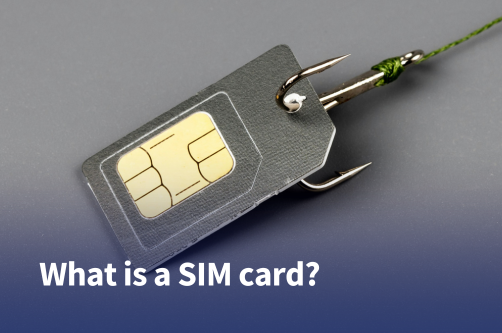
A SIM card is what connects your phone to a mobile network, allowing you to make calls, send messages, and use mobile data.
Even though most people use one every day, many do not actually know how SIM cards work or the different types available today.
In 2026, phones can connect through either a physical SIM card or a digital eSIM, but both serve the same basic purpose.
This guide explains what a SIM card is, how it works, the different SIM card types, and how SIMs are used in modern devices.
A SIM card is a small chip that links your phone to a mobile carrier.
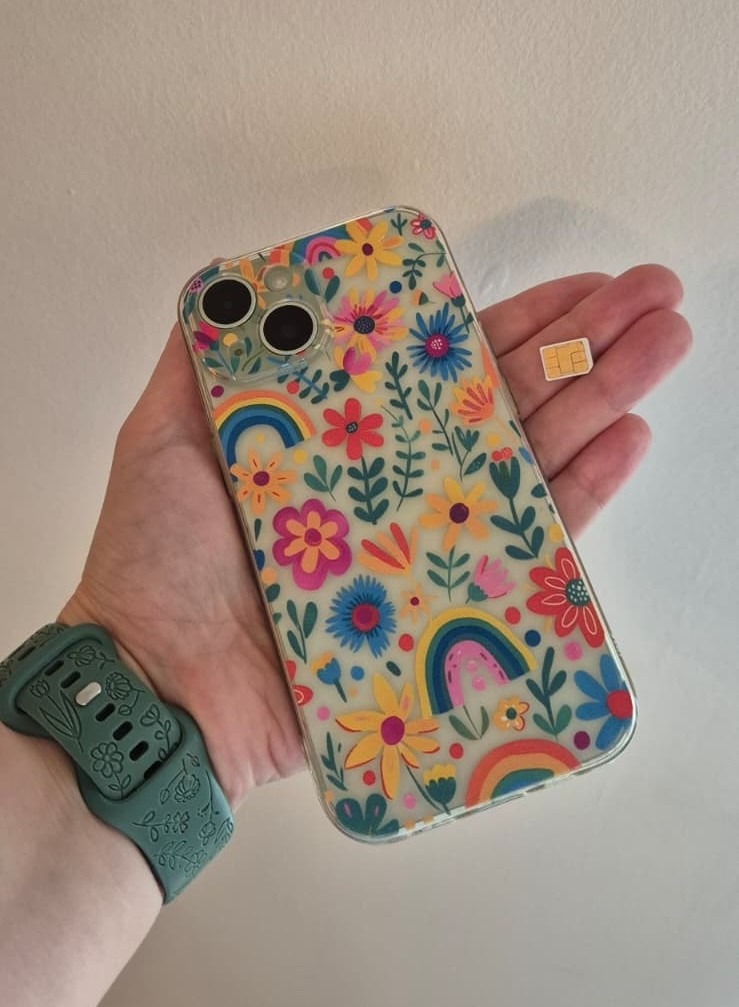
SIM stands for Subscriber Identity Module. It gives your device access to cellular services like calls, text messages, and mobile data.
Without a SIM card or eSIM, your phone can still use WiFi, but it usually cannot connect to a mobile network.
SIM cards have become much smaller over the years. Most smartphones today use Nano SIM cards, while newer devices also support eSIM technology.
A SIM card works by identifying your device to your mobile carrier whenever your phone connects to the network.
When you turn your phone on, the SIM communicates with nearby cell towers and verifies your account information.
Once your carrier confirms your identity, your phone can access services like calling, texting, and mobile internet.
A SIM card typically stores:
In most cases, the connection process only takes a few seconds. While testing prepaid SIMs during trips around Europe, I noticed that some networks connected automatically right after restarting the phone, while others required manually selecting the carrier before mobile data started working properly.
SIM cards have changed a lot over the years. Modern devices use much smaller SIM formats than older phones.
The Standard SIM is the largest SIM card format.
It was commonly used in older phones from the early smartphone era, but is now mostly outdated. You will rarely see it used in modern devices.
The Micro SIM is smaller than the Standard SIM.
It became popular during the early 2010s and was widely used in older smartphones, including earlier Samsung Galaxy and iPhone models.
Some older tablets still use Micro SIM cards today.
The Nano SIM is currently the most common physical SIM card format.
Most modern smartphones released in recent years use Nano SIM cards because they save internal space inside the device.
If you buy a physical SIM card today, it will almost always come in a multi-size card that can be adjusted to Nano SIM format.
An eSIM is a digital SIM that is built directly into your device instead of existing as a removable plastic card. Rather than inserting a SIM manually, you activate an eSIM by scanning a QR code or downloading a carrier profile through an app.
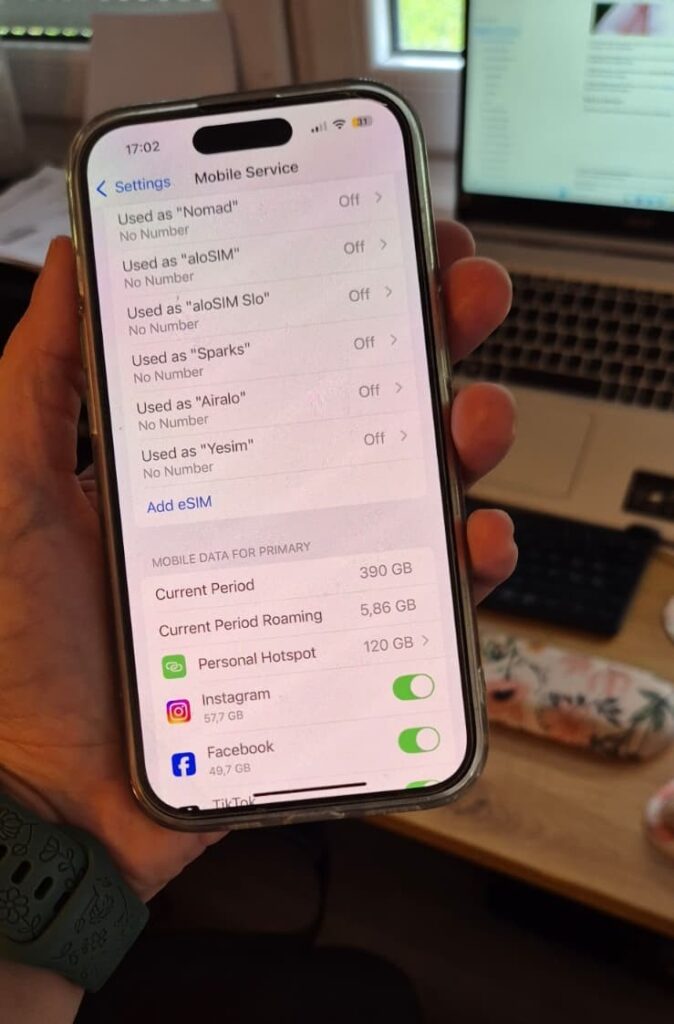
eSIMs work the same way as physical SIM cards once activated. They allow your phone to connect to a carrier network for calls, texts, and mobile data, but the setup process is completely digital.
eSIM technology has become much more common in 2026, especially for travel and dual SIM use. Many newer smartphones now support both a physical SIM and one or more eSIM profiles at the same time.
See also: How many eSIMs can I have on my iPhone in 2026?
Physical SIM cards and eSIMs both connect your device to a mobile network, but the setup experience and day-to-day use can feel quite different.
Here’s a simple comparison of the main differences:
| Physical SIM | eSIM |
| Removable card | Built into the device |
| Inserted manually | Activated digitally |
| Easy to swap between phones | Easier to switch plans remotely |
| Can be lost or damaged | Can’t be physically removed |
| Widely supported | Requires compatible devices |
From the table above, it’s pretty clear why eSIMs are becoming more popular. They are generally more convenient to set up, easier to manage while traveling, and remove the need to physically swap SIM cards.
After testing around 10 different eSIMs during my trips over the last three years, I now use eSIMs on every trip instead of physical SIM cards.
Being able to buy and set everything up at home before traveling is much more convenient, and most reputable providers work without issues once you arrive.
Out of the providers I’ve used, Holafly has probably been the most reliable overall for my trips, mainly because of its unlimited data plans and consistently smooth setup process.
Additionally, they recently added the “Always On” feature, which gives you 1GB of emergency data after your main plan expires. I found that especially useful in situations like long layovers, delayed flights, or travel days where your original plan runs out before you reach your next destination.
That said, physical SIM cards still remain useful. They are compatible with more devices globally and are sometimes preferred for long-term local plans in some countries.
Performance differences between physical SIMs and eSIMs are usually minimal because both connect to the same local carrier networks.
Using a SIM card is usually straightforward, but the setup process can vary depending on your device and whether you’re using a physical SIM or an eSIM.
Here’s a quick look at which devices use SIM cards and how activation typically works.
Not all phones use physical SIM cards anymore. Some newer smartphone models, particularly iPhone 14 and later models sold in the United States, rely entirely on eSIM technology and no longer include a SIM card slot.
In most other countries, including across Europe, iPhones still support both physical SIM cards and eSIMs.
Many smartphones also support dual SIM functionality, which allows two numbers or carriers on one device.
Other devices that may use SIM cards include:
WiFi-only devices do not require a SIM card because they connect exclusively through wireless internet networks.
Using a SIM card is usually very simple.
Here is the typical setup process:
In most cases, activation happens automatically within a few minutes.
For eSIM activation, the process usually involves:
Here are some common SIM card problems and simple ways to fix them.
| Problem | Possible solution |
| No signal | Restart the phone or enable airplane mode briefly |
| SIM not detected | Remove and reinsert the SIM card |
| Mobile data not working | Check APN or carrier settings |
| Calls failing | Confirm network coverage and active plan |
| SIM locked | Enter PIN or contact carrier for PUK code |
In my experience, the most common issue while traveling has been incorrect APN settings after installing prepaid SIMs. Once updated manually, data usually starts working immediately.
Not necessarily. Physical SIM cards are still widely used around the world, but they are no longer as essential as they once were, especially for travelers.
With eSIM technology now supported by most modern smartphones, many travelers can purchase and activate a mobile plan digitally within minutes.
This is often much more convenient than buying and swapping physical SIM cards at airports or local stores.
Most smartphones released since around 2018 support eSIM technology, and many newer flagship devices now make eSIM setup the default experience.
SIM stands for Subscriber Identity Module. It is the technology that identifies your phone on a mobile carrier’s network.
Yes, but only for limited functions like WiFi access, offline apps, or emergency calls in some regions. You cannot normally use cellular calls, texts, or mobile data without a SIM or eSIM.
eSIM is usually more convenient for travel and switching carriers because it can be activated digitally. Physical SIM cards are still more universally compatible across devices and regions.
Yes, in most cases, you can move your SIM card to another unlocked phone. Your phone number and mobile plan typically transfer automatically.
Removing the SIM card disconnects your phone from the mobile network. You will lose access to calls, texts, and mobile data until another SIM or eSIM is activated.
No. Many modern flagship phones support eSIM, but older and budget devices may only support physical SIM cards.
Yes. Many modern smartphones support dual SIM setups using one physical SIM and one eSIM simultaneously.

Our mission is simple: to make sure you never have to ask, “What’s the WiFi password?” again. All our tips come straight from personal experience — because we’d never recommend something we haven’t put to the test ourselves.
Reviews