

Mobile Internet
Pocket WiFi isn’t a common option for travelers arriving at Munich Airport, mainly because there are no on-site rental counters. But if you still prefer using one, you can book in advance with providers like HipPocketWiFi, TravelWifi, or My Webspot and arrange delivery or airport pickup. Alternatively, I recommend you use an eSIM instead.

Pocket WiFi rentals at Munich Airport work differently from what you might expect, with no on-site counters and everything arranged in advance. Here’s a breakdown of the available providers, pricing, and how to get set up before you arrive.
Pocket WiFi is a small, battery-powered device that gives you internet access by connecting to local mobile networks and turning that signal into a private WiFi connection.
Instead of relying on your phone’s data, the device acts as a separate hotspot that multiple devices can connect to at the same time.
Because it runs on its own SIM or eSIM, you don’t need to install anything on your phone. Having used pocket WiFi on several trips, the setup is usually straightforward, but keeping the device charged throughout the day is something to plan for.
It’s especially useful for groups, families, or remote workers, since most devices can handle around 5–10 connections at once.
Why some travelers choose pocket WiFi over SIM or eSIM:
Although Munich Airport doesn’t have walk-up pocket WiFi rental counters, you can still arrange one before your trip and have it ready on arrival.
Most providers operate through pre-booking, offering delivery to the airport, your hotel, or a nearby pickup point. Below are some of the best pocket WiFi options available for Munich.
| Provider | Price | Data | Devices | Delivery / Pickup | Best for |
| HipPocketWiFi | €4.95–€11.95/day (~$5.30–$12.90/day) | 1GB/day or unlimited | Up to 10 | Airport, hotel, home, post office | Best overall value |
| TravelWifi | From $14 (package-based) | Fixed data packages (2GB–70GB) | Up to 10 | Hotel, post office, home | Flexible plans |
| My Webspot | $12.90/day | 1GB high-speed + unlimited (reduced speed) | Up to 5 | Hotel, home | Simple setup |
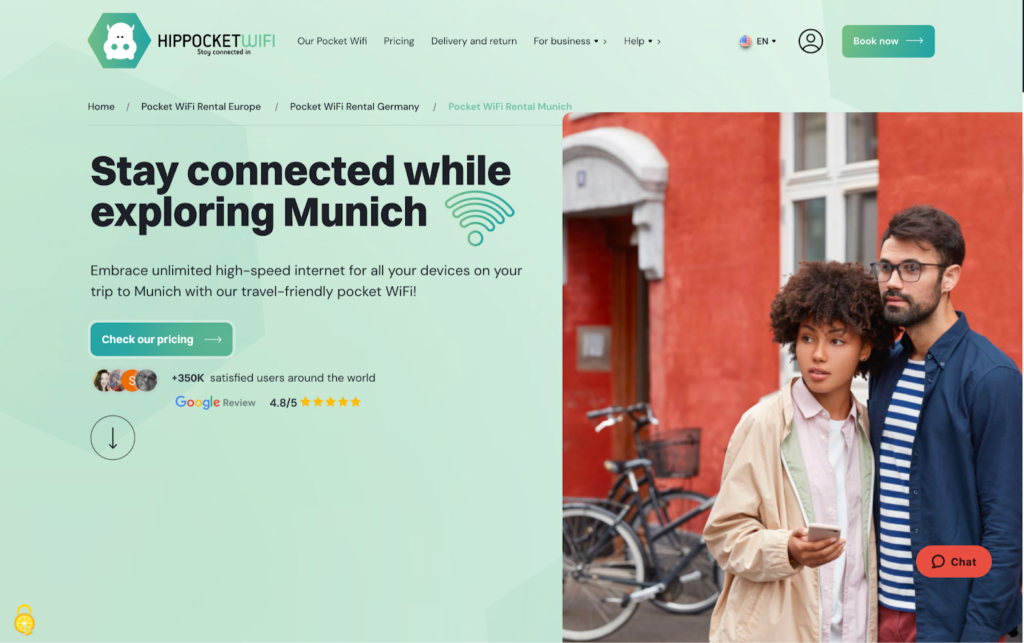
HipPocketWiFi is one of the more affordable options for Munich, with coverage across Europe and flexible delivery. You can have the device shipped to your home or business address 3–5 days before your trip, or delivered in Munich 1–2 days before your rental starts. For last-minute bookings, delivery within Europe can be arranged within 24 hours. It’s a practical choice for travelers who want reliable data without high daily costs, especially for groups since multiple devices can connect at once.
Plans & pricing:
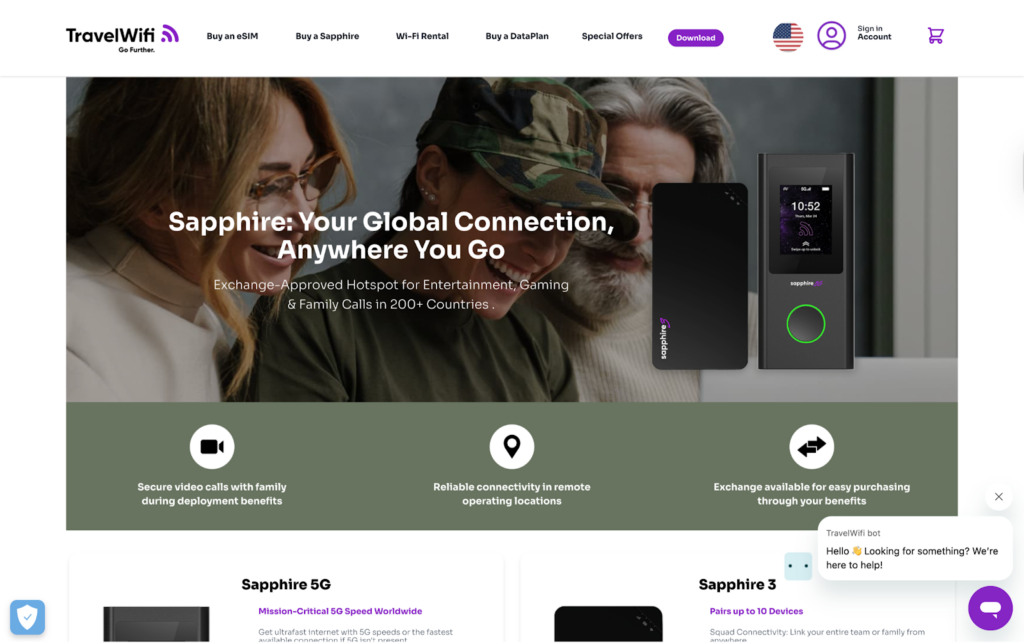
TravelWifi (Sapphire devices) is built for global coverage and flexibility, using CloudSIM technology to connect across multiple networks without needing a physical SIM. It’s a good option if you’re traveling beyond Munich or across multiple countries and want one device that works consistently. Delivery can be arranged to your hotel, a post office, or your home before your trip.
Plans & pricing:
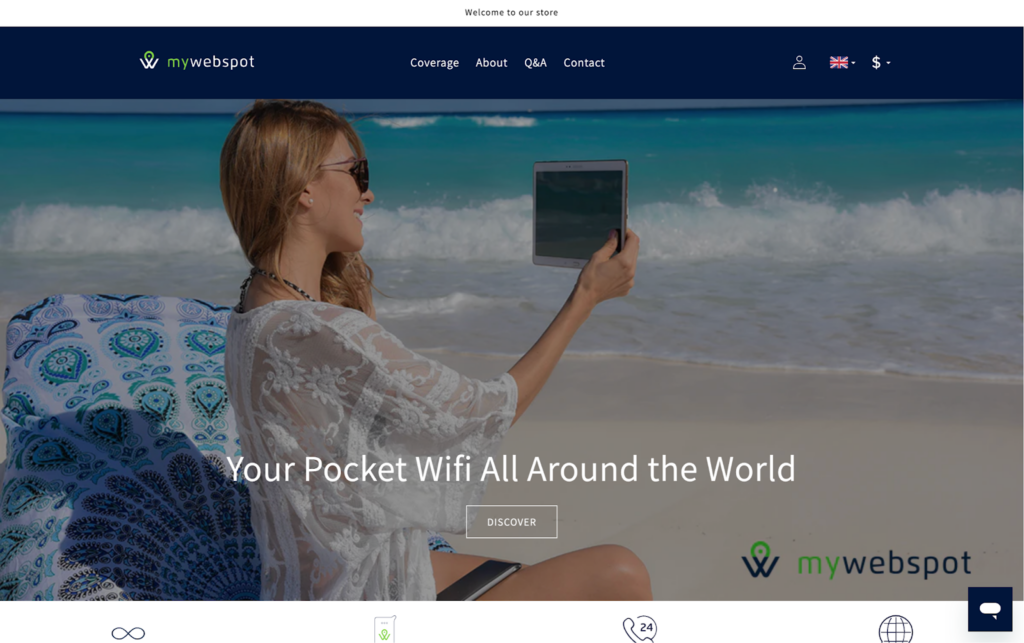
My Webspot is a global pocket WiFi provider with coverage in over 130 countries. It’s designed for simplicity, using an automatic day-pass system that activates as soon as you start using data, with no setup or manual configuration needed. Each day pass begins when the device first connects and runs until 11:59 pm (local time), resetting daily if the device stays on. Each pass includes 1GB of high-speed data followed by unlimited data at reduced speed, with some destinations offering unlimited high-speed data throughout the day. Devices can be delivered to your hotel or home before your trip, making setup straightforward for first-time users or travelers who prefer a plug-and-play option.
Plans & pricing:
Pocket WiFi in Munich is typically arranged in advance rather than rented on arrival at the airport.
From what I’ve seen, it’s less widely used in Germany compared to places like Japan, where rental counters are common, with many travelers opting for SIM or eSIM instead.
As a result, providers operate on a pre-booking and delivery model, offering airport pickup or delivery to your hotel.
Step-by-step guide
eSIMs in Germany are often a more convenient alternative to pocket WiFi, especially for solo travelers. Instead of carrying a separate device, you just install a digital SIM directly on your phone and use it as your main data connection, or share it via hotspot if needed.
Having used eSIMs on multiple trips, the setup is quick and seamless, with data ready almost immediately after landing.
It offers similar functionality to pocket WiFi without the need for delivery, charging another device, or returning equipment after the trip.
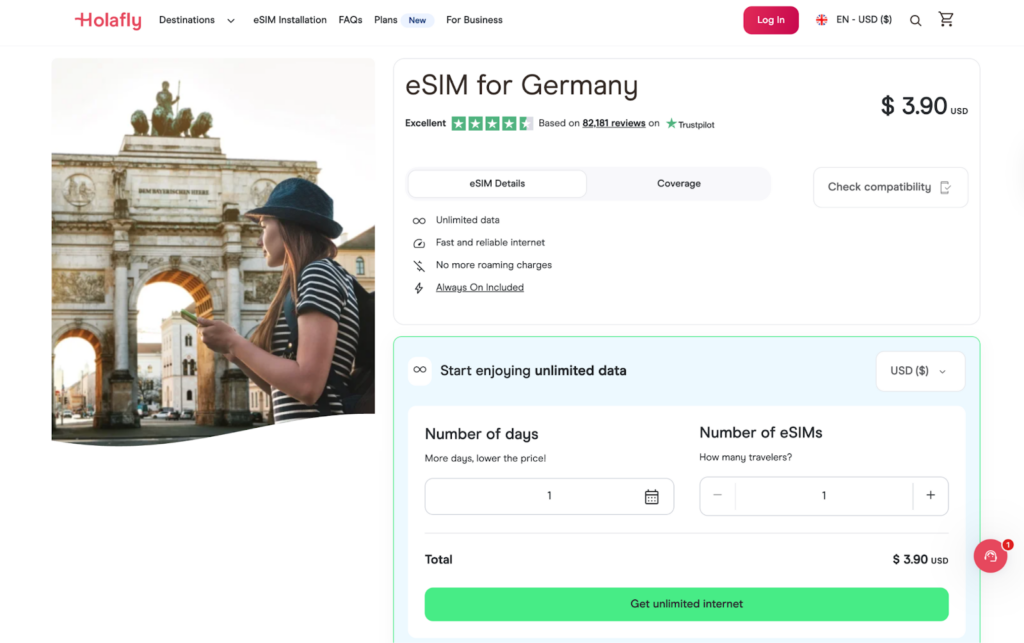
Holafly is one of the most popular eSIM providers for travelers, known for its unlimited data plans and simple setup. It’s a strong choice if you don’t want to track usage and need consistent connectivity throughout your trip.
Plans:
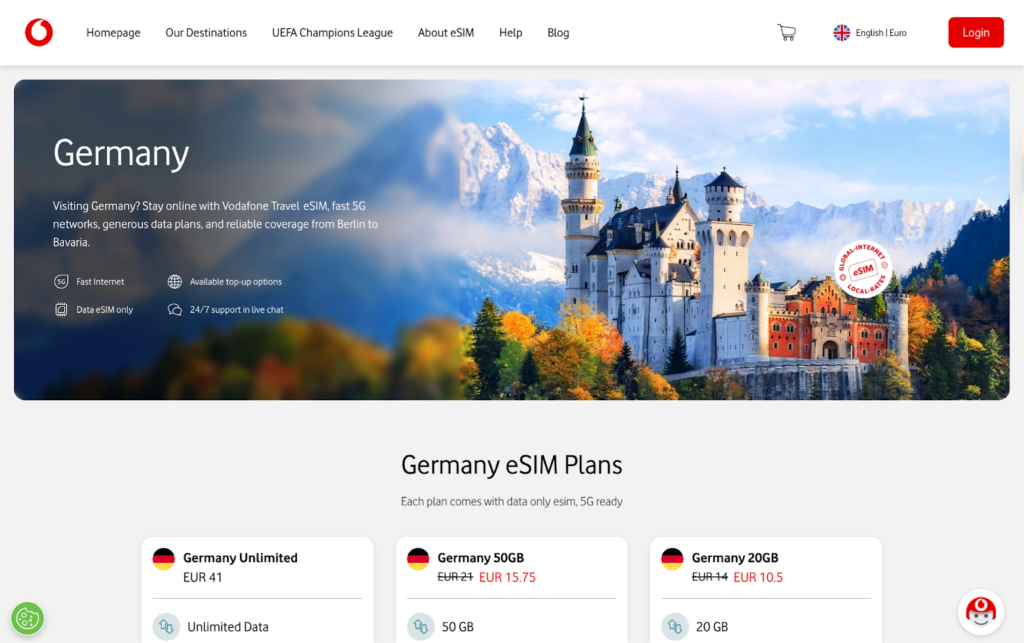
Vodafone offers local eSIM options with strong network coverage across Germany, including cities and rural areas. It’s a good choice if you want a more traditional mobile network with reliable speeds and local support.
Plans:
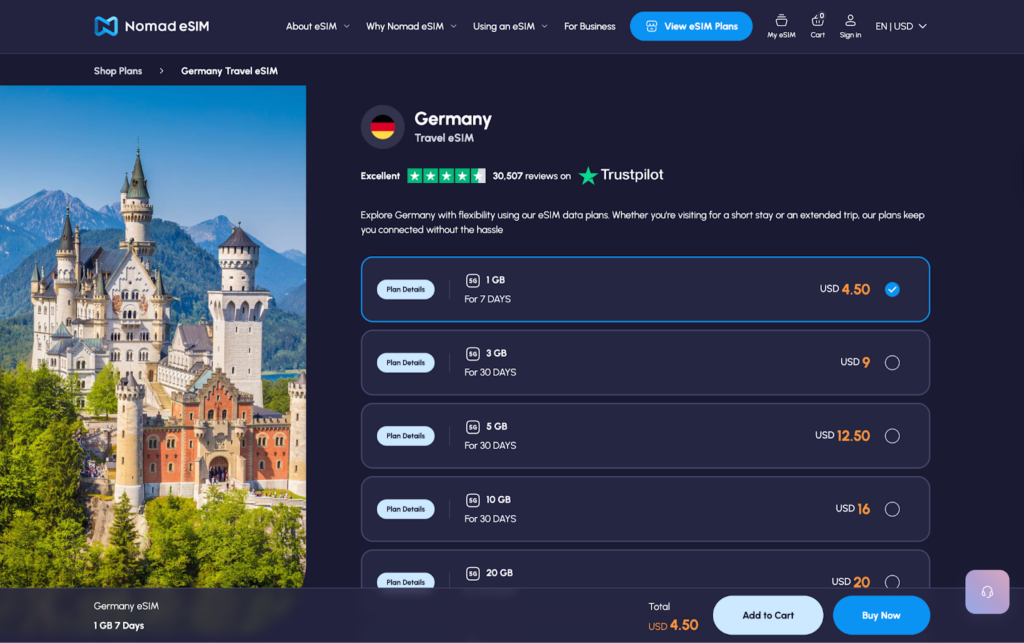
Nomad is a flexible eSIM provider offering both fixed data and unlimited options. It’s ideal for travelers who want to choose a plan based on their exact data needs rather than paying for unlimited usage.
Plans:
Most providers send a QR code or setup details right after purchase, and the process only takes a few minutes.
On iPhone
On Android
Pocket WiFi can be useful in Munich, especially for groups or travelers who need to connect multiple devices. However, it is not something you can rent on arrival at the airport, and it requires advance booking and delivery.
For most travelers, eSIMs are the more convenient option. There is no extra device to carry, no pickup or return, and you can get connected shortly after landing. In my experience, providers like Holafly, Vodafone, and Nomad offer options for both unlimited data and flexible plans.
The right choice depends on how you travel.
You can use the airport’s free Wi-Fi or get connected via a pre-booked pocket WiFi or eSIM. Most travelers rely on eSIMs or SIM cards since there are no walk-in pocket WiFi counters.
Yes, but it is usually rented online in advance rather than picked up on arrival. Most providers deliver the device to your hotel, home, or a pickup point.
Yes, free WiFi is available at Munich Airport and in many public areas like cafes, hotels, and some city spots. However, speeds and reliability can vary.
You can use an eSIM, buy a local SIM card, rent a pocket WiFi, or rely on public WiFi. eSIMs are typically the easiest option for most travelers.
Pocket WiFi typically costs around €4.95 to €11.95 per day depending on the provider and rental duration. Some providers also offer fixed data packages instead of daily rates.

Our mission is simple: to make sure you never have to ask, “What’s the WiFi password?” again. All our tips come straight from personal experience — because we’d never recommend something we haven’t put to the test ourselves.
Reviews