

Mobile Internet
At Amsterdam Airport, you can rent pocket WiFi from providers such as PocketWiFi Amsterdam, TravelWiFi, Hippocket WiFi, My Webspot, and XoxoWiFi, so you can get connected as soon as you land. A pocket WiFi device acts as a portable hotspot, providing reliable internet access across the Netherlands without depending on public WiFi or expensive roaming.

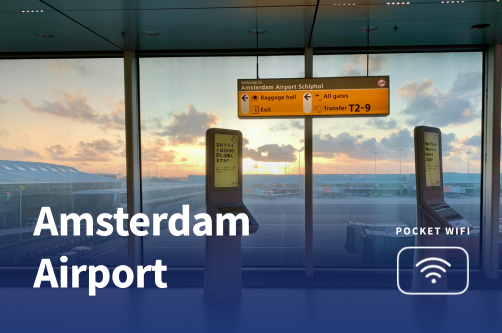
When I land at Amsterdam Airport, one of the first things I think about is getting online quickly. I usually need to access messages or booking confirmations right away. That’s where pocket WiFi comes in. It’s a small, portable router that lets me connect my phone and laptop to the internet without relying on public WiFi or paying high roaming fees.
At the airport, you can choose between several pocket WiFi providers, including PocketWiFi Amsterdam, TravelWiFi, Hippocket WiFi, My Webspot, and XoxoWiFi. You can either pick up a device after arrival or arrange delivery in advance.
Of course, pocket WiFi is only one of the options - when I travel alone on short trips, I find that eSIMs are a much simpler solution.
Pocket WiFi is a compact wireless device that connects to mobile networks and creates my own private WiFi hotspot. I think of it as carrying a small router in my bag. Inside, it uses a SIM or eSIM to access mobile data, then shares that connection with my phone and laptop.
Most pocket WiFi units are designed for travelers. I just turn the device on, connect like any WiFi network, and I’m online in seconds. It works well when I travel with others or need the internet on multiple devices.
Why travelers like using pocket WiFi:
Pocket WiFi vs SIM or eSIM:
Although Amsterdam Airport does not always have on-the-spot rental counters, I can pre-book my pocket WiFi online and pick it up after arrival. These devices give me instant, reliable internet for my phone and laptop without worrying about roaming fees.
Below are the best available providers, followed by a detailed breakdown of each.
| Provider | Pickup location | Data | Network | Battery | Devices | Price (per day) | Best for |
| PocketWiFi Amsterdam | Pickup at Schiphol or delivery | 10GB daily data | 4G Network | Not specified | Up to 8 devices | From $8.65/day | Travelers needing reliable daily data and multiple devices; good for families or groups up to 8 devices |
| TravelWiFi | Delivery to airport or hotel | Unlimited data | 4G LTE Speed | 12 hours | Up to 5 devices | From $9.52/day | Business travelers or families who need unlimited data for short trips; lightweight, affordable option |
| Hippocket WiFi | Pre-order online, delivery available | Unlimited data | 4G/ 5G Network | 6-8 hours | Up to 10 devices | From $24.05/day | Groups, digital nomads, or families who need multiple devices connected and faster 4G/5G coverage |
| My Webspot | Delivery to hotel, Airbnb, or address | 1GB/day high-speed + unlimited reduced speed | 4G Network | Not specified | Up to 5 devices | $89.00 | Long-term travelers or those who don’t mind slower data after daily quota; ideal for hotel/Airbnb stays |
| XoxoWiFi | Delivery to hotel, airport meeting point, or post | 1GB/day high‑speed + unlimited reduced speed | Not specified | Up to 13 hours | Up to 5 devices | From $13.84/day | Travelers who want flexibility in delivery/pickup and moderate daily high-speed usage |
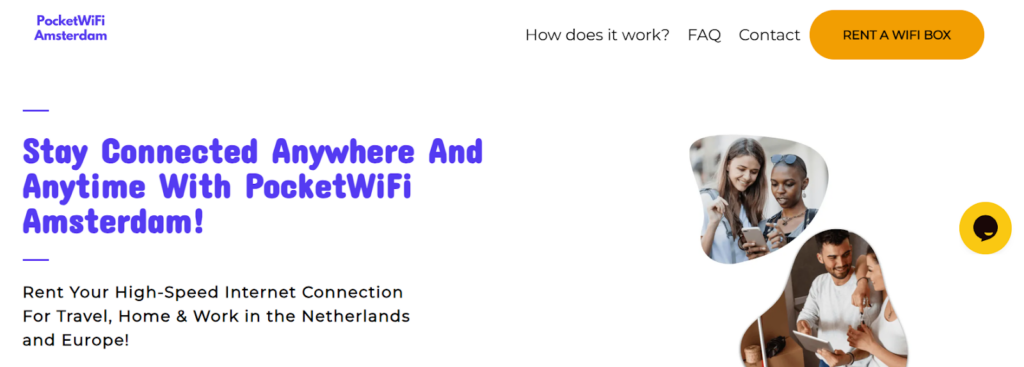
PocketWiFi Amsterdam is a rental service for travelers in the Netherlands. You can pick up the device at Amsterdam Airport Schiphol or arrange delivery to your hotel or Airbnb. It provides internet for your phone and laptop and supports multiple devices.
The device is easy to use. Turn it on and connect your phone or laptop. Rental periods are flexible, and returns can be made at the airport or by prepaid mail.
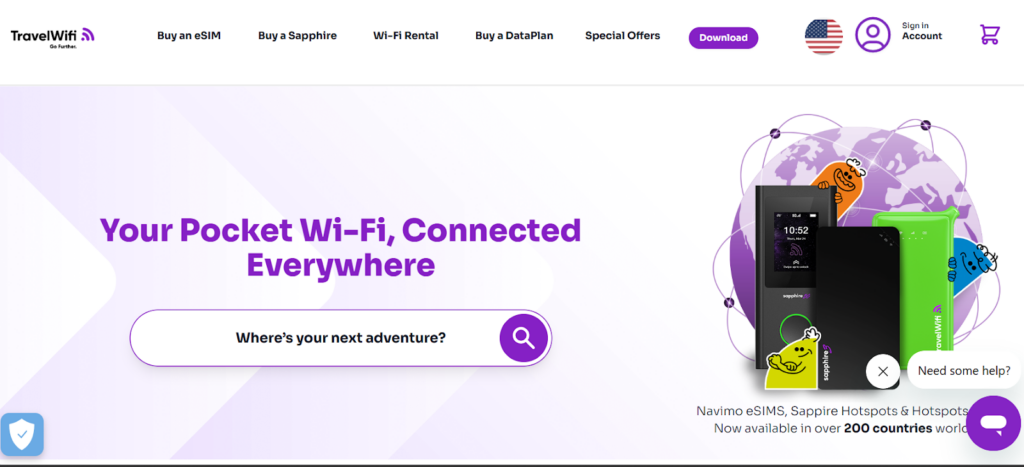
TravelWiFi is a pocket WiFi rental service with unlimited internet. You can arrange delivery to Amsterdam Airport Schiphol or your hotel. The device connects your phone and laptop using 4G LTE and supports multiple devices.
Setup is simple. Turn on the device and connect like any WiFi network. No phone settings are required. Returns are made by prepaid mail or at the selected delivery point.
Hippocket WiFi is a rental service that works in the Netherlands and across Europe. You pre-order online and choose delivery to your hotel, Airbnb, or another address. It provides unlimited internet on a portable hotspot and supports multiple devices.
Setup is simple. Turn on the device and connect your phone or laptop. The device supports several connections at once. Returns are done by mail or drop-off.
My Webspot is a pocket WiFi rental service that works in the Netherlands and across Europe. You pre-book the device and have it delivered to your hotel, Airbnb, or another address. It provides internet for your phone and laptop and supports multiple devices.
The device is easy to use. Turn it on and connect like any WiFi network. It includes a daily high-speed quota, followed by unlimited reduced-speed data. Rental periods are flexible.
XoxoWiFi is a pocket WiFi rental service that works in many countries, including the Netherlands. You pre-book online and choose delivery to your hotel, an airport meeting point, or by post. It provides internet for your phone and laptop and supports multiple devices.
The device works like a portable hotspot. Turn it on and connect your phone or laptop. It includes a daily high-speed allowance, followed by unlimited reduced-speed data. Returns are made by mail or at a drop point.
Getting connected at Amsterdam Airport is easy if I plan ahead. I can reserve a pocket WiFi online before my trip. Some providers can also deliver the device directly to my hotel. Pre-ordering ensures my device is ready when I land, so I can start using the internet right away.
If I do not want to carry a separate hotspot device, an eSIM can be a good alternative. An eSIM is a digital SIM that I install on my phone before traveling. After activation, it gives me local mobile data without needing a physical SIM card.
I can also use my phone’s hotspot feature with an eSIM to share data with other devices. This lets my phone act like a pocket WiFi for a small group. I just keep in mind that some eSIM plans may limit hotspot use or speed.
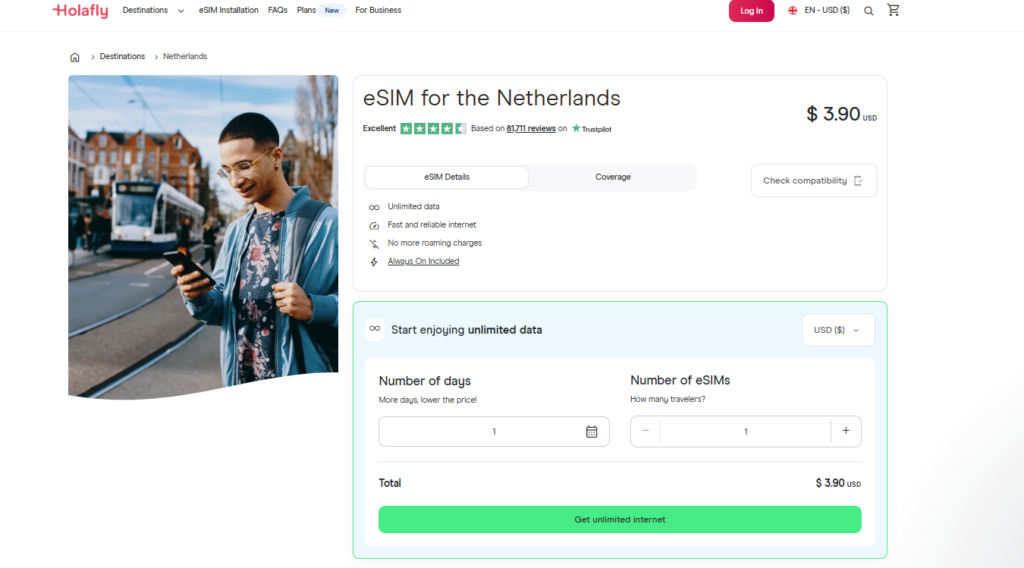
Holafly is a popular eSIM provider that offers data plans for the Netherlands. You buy and install the eSIM before your trip. The data works immediately when you land. Holafly is known for simple setup and reliable connections. It is a good choice if you want uninterrupted internet without dealing with local SIM cards.
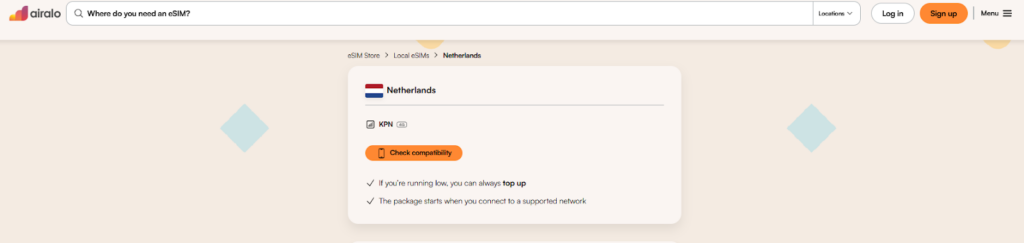
Airalo is a well‑known global eSIM marketplace with multiple Netherlands data options. You install your eSIM on your phone before departure. Once active, it connects to a local network for data. Airalo plans vary in price and data size, giving you flexibility based on how much internet you need.
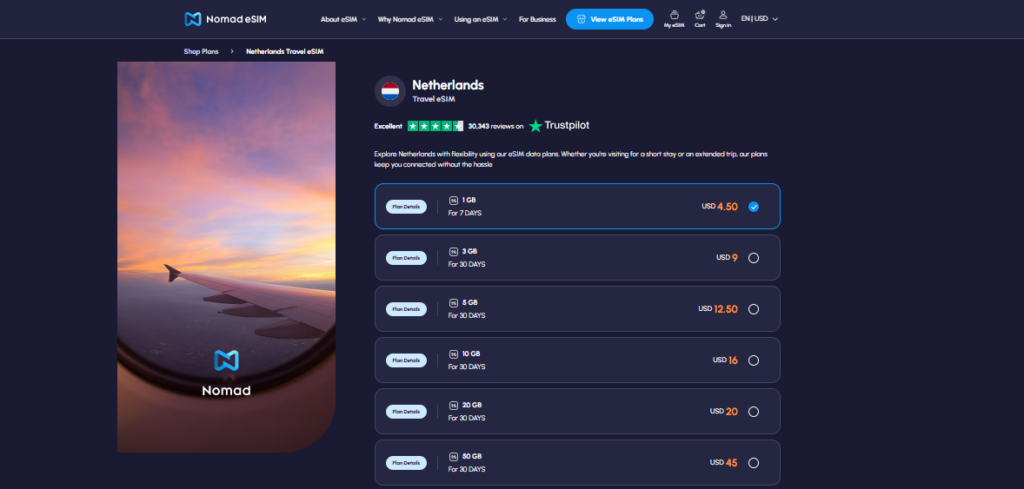
Nomad provides easy‑to‑use eSIM plans for the Netherlands. You purchase and install an eSIM via the Nomad app or website before traveling. After activation, your phone connects to local networks for data. Nomad’s plans include affordable short‑term options and larger data bundles for longer stays.
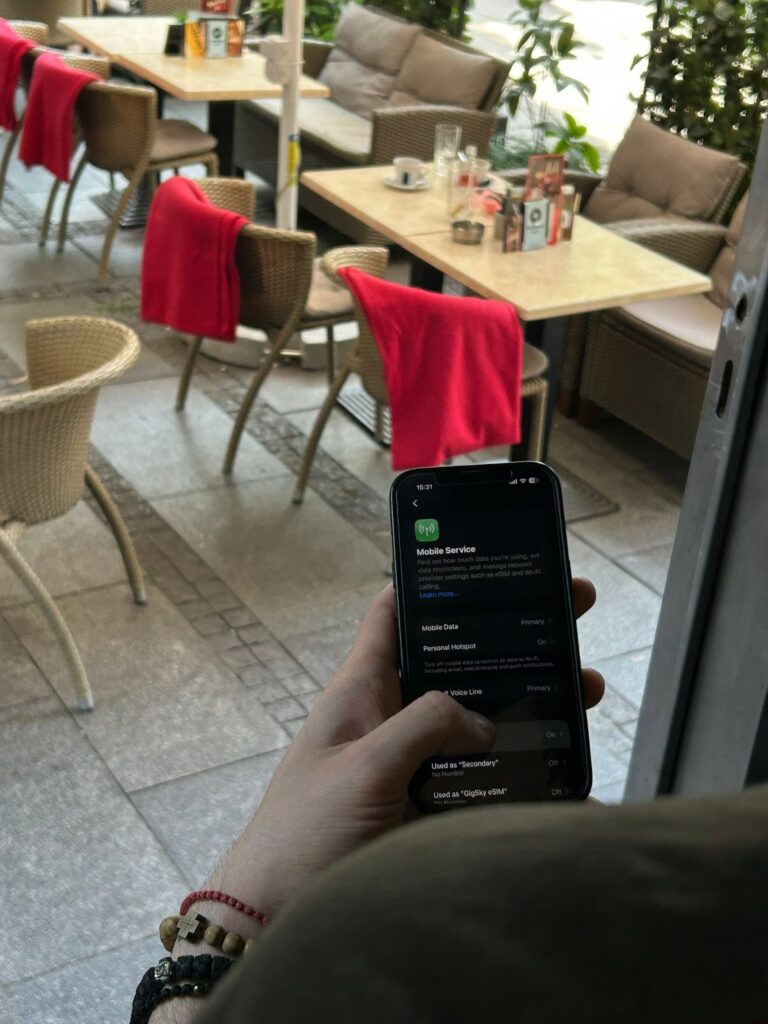
Activating an eSIM for the Netherlands is simple and can be done before your flight. You just need a compatible phone and the QR code provided by your eSIM provider. I usually activate it in advance, while I still have WiFi, so my internet works immediately when I land. Doing this ahead of time avoids delays and keeps the process smooth.
Tip: Installing the eSIM while on WiFi before traveling avoids delays. Most plans activate automatically when your phone first connects to a local Dutch network after you arrive.
Amsterdam Airport offers multiple ways to stay connected, and the best choice depends on how you travel.
For groups, families, pocket WiFi can be the better option. For solo travelers like me, an eSIM usually does the trick.
Yes, Schiphol Airport offers free public WiFi in all terminals. You can connect without a password, but speeds may be slower and the network can be crowded during peak travel times. For more reliable and secure access, a pocket WiFi or eSIM is a better choice.
Many pocket WiFi devices can work across multiple countries, especially those with Europe or global data plans. Check your provider’s coverage map to ensure your device supports the countries you plan to visit. International plans may cost more than local-only options.
Pocket WiFi is often better for groups or travelers with multiple devices. It provides a dedicated connection that doesn’t drain your phone battery. Using your phone as a hotspot is fine for solo travel but may be limited by your data plan and device’s battery life.
The best device depends on your needs. If you want unlimited data and multiple device connections, providers like PocketWiFi Amsterdam, TravelWiFi, or Hippocket WiFi are popular. Look for good coverage, battery life, and flexible plans.
Yes, KLM offers WiFi on most long-haul and short-haul flights. However, in-flight WiFi is usually slower and can be more expensive than a pocket WiFi or eSIM for the same amount of data.
Pocket WiFi requires carrying an extra device and keeping it charged. You also need to return the device after your trip if it’s rented. Some plans have daily data limits or throttling after high usage, so it’s important to check your plan details before traveling.

Our mission is simple: to make sure you never have to ask, “What’s the WiFi password?” again. All our tips come straight from personal experience — because we’d never recommend something we haven’t put to the test ourselves.
Reviews