

Mobile Internet
You can rent pocket WiFi at Haneda Airport from providers such as NINJA WiFi, Japan Wireless, Sakura Mobile, WiFiBOX, and JAL ABC, most of which offer counter pickup at Terminal 3 (International Terminal). This 2026 guide covers rental prices, available plans, and step-by-step instructions on how to book and collect your device.

Haneda Airport (HND) is one of Japan's busiest international gateways, and unlike many airports around the world, it has multiple walk-in rental counters and self-service kiosks right in the terminal.
You can also pre-book online and pick up your device on arrival. Below, we break down every option, compare pricing, and explore eSIM alternatives for travelers who prefer a lighter setup.
Pocket WiFi (also known as portable WiFi or MiFi) is a small wireless device that connects to mobile networks and shares internet access with multiple devices at once.
Think of it as a portable version of your home WiFi router. The device contains a SIM card that connects to Japan's 4G LTE or 5G mobile networks and creates a private WiFi hotspot that your phone, laptop, tablet, and other devices can join. You simply turn it on, connect via password, and you're online.
Here's why pocket WiFi remains a popular choice for travelers in Japan:
The main trade-offs compared to eSIMs or SIM cards are that you need to carry an extra device, keep it charged, and return it at the end of your trip. Battery life on most rental units ranges from 9 to 20 hours depending on the provider and model.
Haneda Airport is one of the best airports in the world for pocket WiFi availability. Unlike many international airports where you must pre-order online and hope for delivery, Haneda has dedicated rental counters and self-service kiosks right inside the terminal.
Most services are concentrated in Terminal 3 (the International Terminal), with some options also available in Terminal 2. Below are the best available providers, followed by a detailed breakdown of each.
| Provider | Pickup location | Data | Network | Battery | Devices | Price (per day) | Best for |
| NINJA WiFi | Terminal 3 (2F Arrivals), Terminal 2 | 1GB–10GB/day, plus unlimited option | SoftBank 4G/5G | ~9 hours | Up to 5 | From ~$3/day | Budget travelers, flexible plans |
| Japan Wireless | Terminal 3 (counter pickup) | Truly unlimited (no throttling) | SoftBank 4G LTE | ~10 hours | Up to 15 | From $35.35 for 2 days | Heavy data users, families |
| Sakura Mobile | Terminal 3 (JAL ABC counter, 2F Arrivals) | Unlimited (FUP applies) | NTT Docomo 4G LTE | Not specified | Not specified | From ~$2 (tax included) | Best coverage, English support |
| WiFiBOX | Terminals 1, 2, and 3 (self-service kiosks) | 200MB–1GB/day, Unlimited and Truly Unlimited | Not specified | Not specified | Not specified | From ~$1/day | Walk-up rentals, no pre-booking |
| JAL ABC | Terminal 3 (2F Arrivals counter) | High-data plan (speed restrictions possible) | Not specified | Not specified | Not specified | From ~$7/day for 4G, ~$9/day for 5G | Walk-in at the airport, JAL miles |
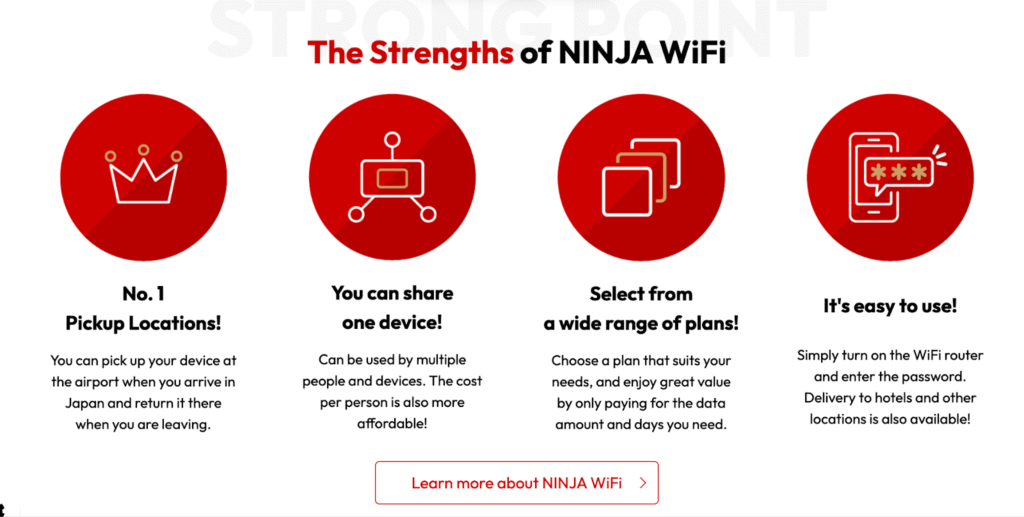
NINJA WiFi is one of Japan's most well-known pocket WiFi rental services, operated by Vision Inc. (listed on the Tokyo Stock Exchange). They have dedicated counters at Haneda Airport Terminal 3 on the 2F Arrivals Lobby as well as Terminal 2, making pickup and return convenient for all travelers.
NINJA WiFi stands out for its wide selection of plans, ranging from budget-friendly capped options to 5G unlimited service. Reservations can be made online up to one day before arrival, and last-minute bookings are accepted depending on availability.
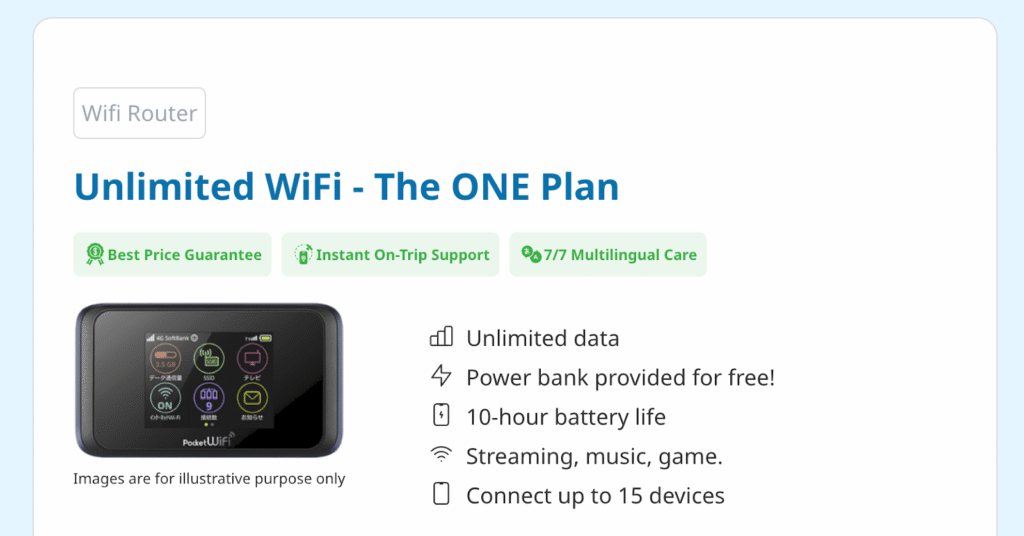
Japan Wireless is one of the original pocket WiFi rental companies in Japan, with over a decade of service and more than 1.6 million customers. They simplify the rental process by offering just one plan: truly unlimited data with no speed throttling and no daily caps.
Pickup at Haneda is done at their designated counter in Terminal 3. You can also opt for delivery to your hotel. Orders can be placed online up to 2 hours before pickup (subject to stock availability), making this a good option for last-minute planners.
Sakura Mobile is a Japan-based provider known for its excellent English-language customer support, available by phone, email, and live chat year-round. Their pocket WiFi uses NTT Docomo's network (Japan's largest carrier) which gives it the widest coverage in the country.
Pickup at Haneda is handled through the JAL ABC counter on the 2F Arrivals Lobby of Terminal 3. The counter has long operating hours (closed only from 1:00 AM to 4:00 AM).
WiFiBOX is a unique self-service pocket WiFi rental that requires no counter interaction. Kiosks are located across all three Haneda terminals (Terminal 1, 2, and 3),. You reserve online, scan a QR code at the kiosk, and pull the device from the slot - the entire process takes about 10 seconds.
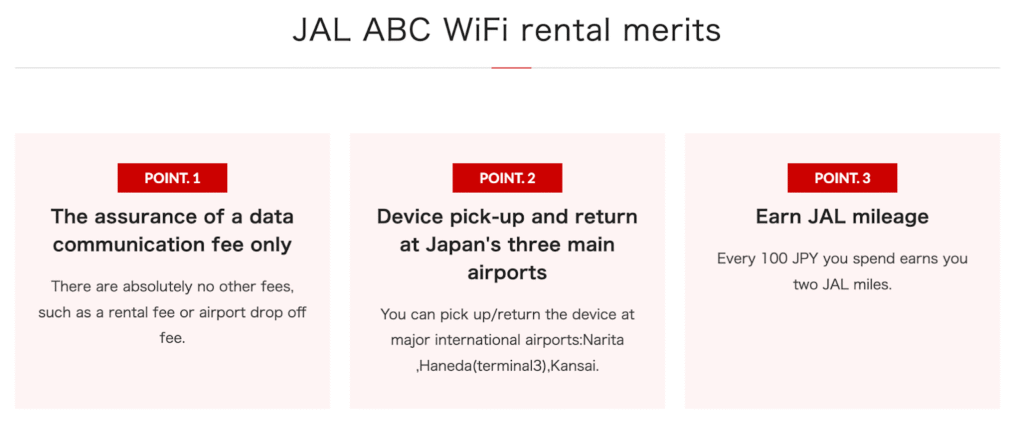
JAL ABC is operated by Japan Airlines and offers pocket WiFi rentals directly at their airport counters. This is the most straightforward walk-in option at Haneda - no advance booking is strictly required, though availability may vary. The counter is located on the 2F Arrivals Lobby of Terminal 3.
A key perk is that every ¥100 spent earns 2 JAL miles, making it attractive for JAL frequent flyers.
You can rent pocket WiFi online before your trip and pick it up at Haneda Airport. Several providers also offer walk-in rentals at counters and self-service kiosks directly in the terminal, making Haneda one of the most convenient airports in the world for getting connected on arrival.
Here is a step-by-step guide to renting your pocket WiFi:
Pro tip: If you're arriving on a late-night flight, check the counter's operating hours in advance. WiFiBOX kiosks are available outside of staffed hours since they are fully self-service.
If you'd rather not carry an extra device, an eSIM is a great alternative. An eSIM is a virtual SIM card that you install directly on your smartphone. Once activated, it connects to local Japanese networks and provides mobile data just like a regular SIM.
You can also use your phone's hotspot feature to share the eSIM's data connection with other devices, effectively turning your phone into a pocket WiFi. This works well for couples or small groups, though hotspot data may be limited depending on the provider.
Here are three popular eSIM providers for Japan:

Holafly is one of the most recognized eSIM brands globally, offering unlimited data plans for Japan with instant delivery via email. It connects through KDDI and SoftBank networks, providing solid coverage across urban and rural Japan.

Airalo is a popular eSIM marketplace offering both capped and unlimited data plans for Japan. It partners with local carriers and provides a user-friendly app for managing your eSIM.
Nomad offers straightforward Japan eSIM plans with good coverage via major Japanese networks. Their plans are simple and transparent, with no hidden fees.
Setting up an eSIM is quick and can be done before you even board your flight. Here's how:
On iPhone (XS or later):
On Android (Google Pixel 3+, Samsung Galaxy S20+, and other compatible models):
Important: Install the eSIM while connected to stable WiFi (ideally at home before your trip). The plan typically activates when you first connect to a Japanese network after landing.
Haneda Airport offers some of the best pocket WiFi rental options of any airport worldwide. Whether you prefer the walk-in convenience of WiFiBOX kiosks, the wide plan selection from NINJA WiFi, or the truly unlimited data from Japan Wireless, there's an option for every budget and travel style.
For travelers who want a lighter setup, eSIMs from Holafly, Airalo, or Nomad provide a device-free alternative that can be installed before you even leave home.
The best pocket WiFi depends on your needs.
Yes, you can pick up pocket WiFi directly at Haneda Airport. Most providers offer counter pickup in Terminal 3 (International Terminal), and WiFiBOX kiosks are available across Terminals 1, 2, and 3. You can either pre-book online or rent on arrival.
For basic use like Google Maps, messaging, and light browsing, 3GB per day is usually enough. However, activities such as video streaming, large uploads, or heavy hotspot use can quickly exceed this limit.
Pocket WiFi at Haneda Airport typically costs between about ¥390 and ¥1,100 per day, depending on the provider and plan. Budget options like WiFiBOX start around ¥390/day, while premium or truly unlimited plans cost more.
Yes, pocket WiFi is worth it if you’re traveling with multiple devices or in a group. It provides a secure, reliable connection and often includes unlimited data without compatibility concerns.
Yes, Haneda Airport offers free WiFi throughout the terminals. However, public networks may be slower or less secure than a private connection.
Yes, eSIM options are available for use in Japan, but the easiest method is to purchase and install one online before your trip. Providers like Holafly, Airalo, and Nomad send a QR code that you can activate once you land.

Our mission is simple: to make sure you never have to ask, “What’s the WiFi password?” again. All our tips come straight from personal experience — because we’d never recommend something we haven’t put to the test ourselves.
Reviews