

Travel Guides
At Honolulu Airport, also known as Daniel K. Inouye International Airport, travelers can access free public Wi-Fi throughout the terminals upon arrival. For internet beyond the airport, portable hotspot providers such as Rent ‘n Connect, Travelwifi, and Wifio offer pocket Wi-Fi devices that provide mobile data across Hawaii without relying on hotel networks or international roaming.

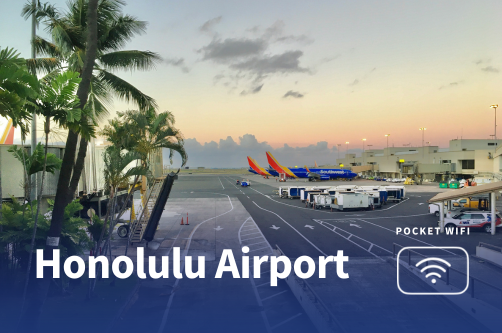
Honolulu Airport itself does not operate pocket Wi-Fi rental counters, though it does provide complimentary WiFi so visitors can get online immediately after landing. For consistent internet access throughout the trip, a pocket Wi-Fi device can be reserved in advance and shipped to your home or hotel. This 2026 guide explains how pocket Wi-Fi works in Honolulu, what rental options are available, and how to choose the best setup for staying connected during your trip.
Pocket WiFi, also called portable WiFi or MiFi, is a small wireless device that connects to mobile networks and shares internet access with multiple devices at the same time.
The device functions like a portable hotspot:
At many major international airports, travelers can pick up pocket WiFi directly from telecom counters or rental kiosks after arriving. Honolulu Airport operates differently, which is why most pocket WiFi rentals for Hawaii are arranged in advance rather than collected inside the terminal.
For example, when I traveled to Japan, I picked up a device directly at Fukuoka Airport in the arrivals hall. This made getting pocket WiFi in Japan straightforward right after landing.
This is also the same setup in Australia, where travelers can collect pre-booked pocket WiFi devices at Sydney Airport.
That said, while pocket WiFi offers clear advantages for groups and multi-device travelers, travelers arriving at airports that do not offer on-site rental counters may find a local SIM or eSIM more practical.
Travelers looking for pocket WiFi at Honolulu Airport can choose from several rental providers that offer portable hotspot devices for use across Hawaii. Below are some of the most reliable options based on coverage, pricing and device features.
| Provider | Starting Price | Data Options | Max Devices | Network / Speed |
| Travelwifi Pocket Wi-Fi | From $7.95/day | 1GB, 5GB, 10GB, Unlimited | Up to 5 devices | Up to 4G LTE (network dependent) |
| Rent ’n Connect | $9.95/day | Unlimited only | Up to 10 devices | 4G mobile hotspot |
| Wifio Global Pocket WiFi | ~$8.81/day | Unlimited data | Up to 10 devices | Up to 150 Mbps |
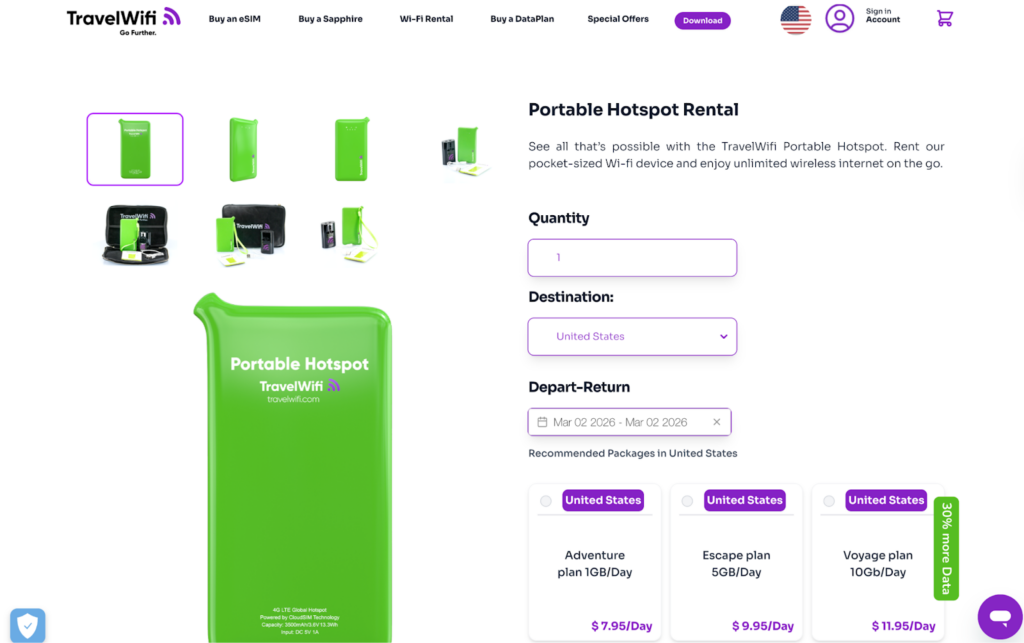
Travelwifi offers portable pocket Wi-Fi rental devices that work throughout the United States, including Hawaii. Their device provides up to 4G LTE speeds and allows up to five devices to connect at the same time, making it a practical option for families, couples or remote workers who need internet across Honolulu, Waikiki, the North Shore or other islands.
Key features:

Rent ’n Connect offers mobile hotspot rental services in Honolulu with 4G connectivity. Their pocket WiFi devices are designed to help travelers avoid roaming charges while staying connected on phones, tablets, and PCs. Each device can connect up to 10 devices simultaneously and includes extended battery support with an additional 5000 mAh power bank. Delivery is available to your hotel prior to arrival, and returns can be made at supported partner offices or arranged for pickup in selected locations.
Key features:
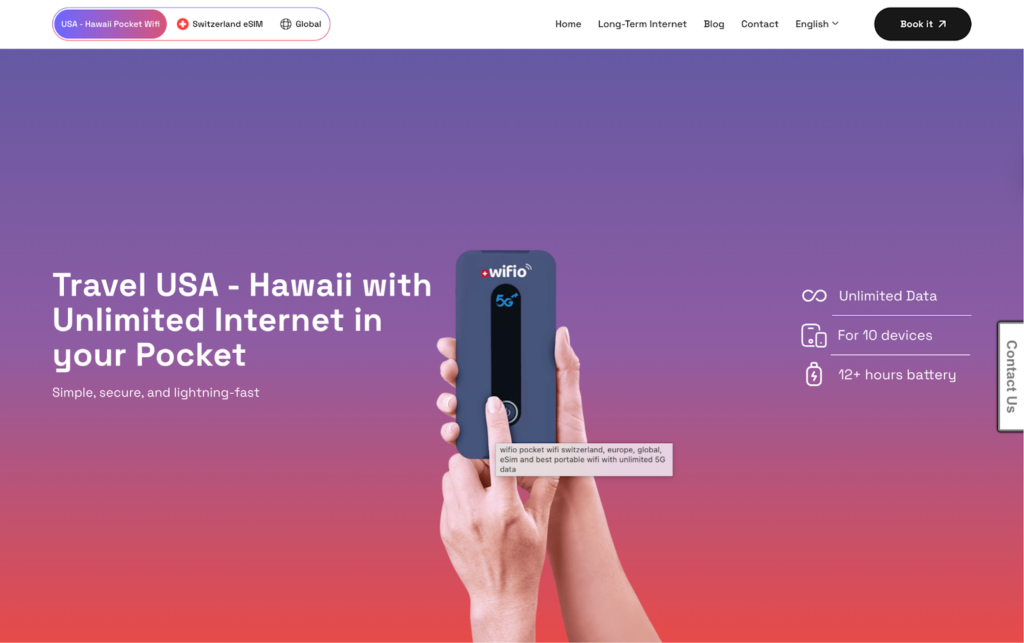
Wifio offers a Global Pocket WiFi device with unlimited data coverage in 165 countries. The portable 4G WiFi router comes fully charged and includes accessories such as a USB wall charger, travel adapter and prepaid return envelope. For U.S. rentals (including Hawaii), delivery is available to a hotel or private address, and there are currently no pickup options for this country.
Key features:
You can rent a pocket WiFi online before your trip and arrange delivery to your hotel or private address. Because Honolulu Airport does not have walk-in rental counters for pocket WiFi devices, advance booking is typically required.
Step-by-step guide to renting pocket WiFi for Honolulu
I usually prioritize convenience when choosing how to stay connected while traveling. Given the setup at Honolulu Airport, where pocket WiFi rentals often need to be arranged in advance, I would personally go with an eSIM since it can be activated on your phone within minutes and doesn’t require carrying an extra device.
This option works best if your phone supports eSIM and is not carrier-locked. Most newer smartphones are compatible, but it’s still worth checking your device settings or confirming with your carrier before purchasing a plan.
If you decide to use an eSIM instead, here are the top three providers I’ve personally used and recommend for their reliability, ease of setup, and price.
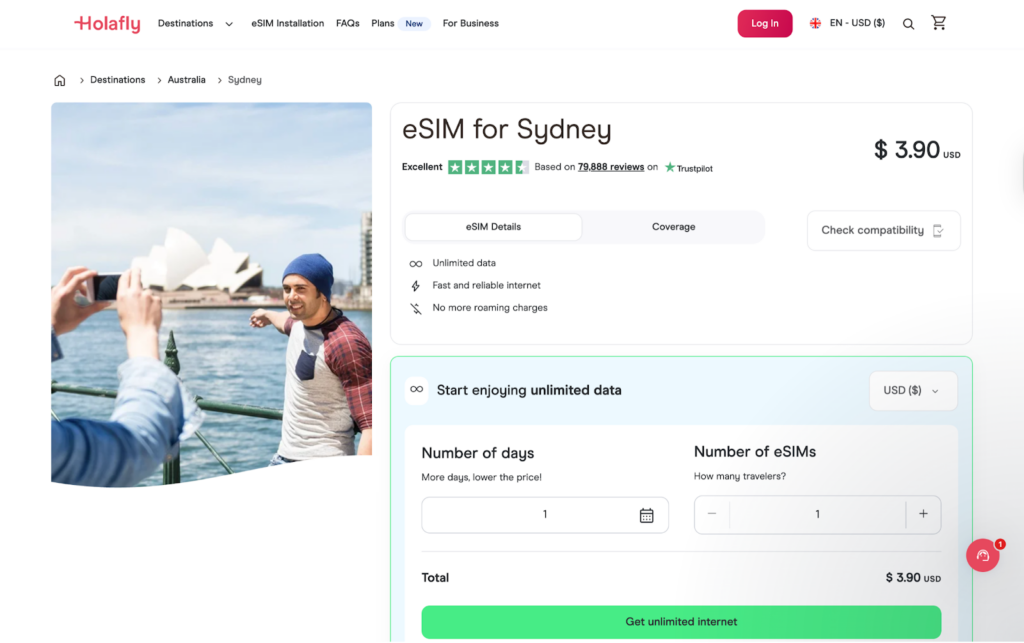
Holafly offers data-only eSIM plans for travelers visiting the United States, including Hawaii. Plans are typically unlimited and designed for short-term trips.
Plan options:
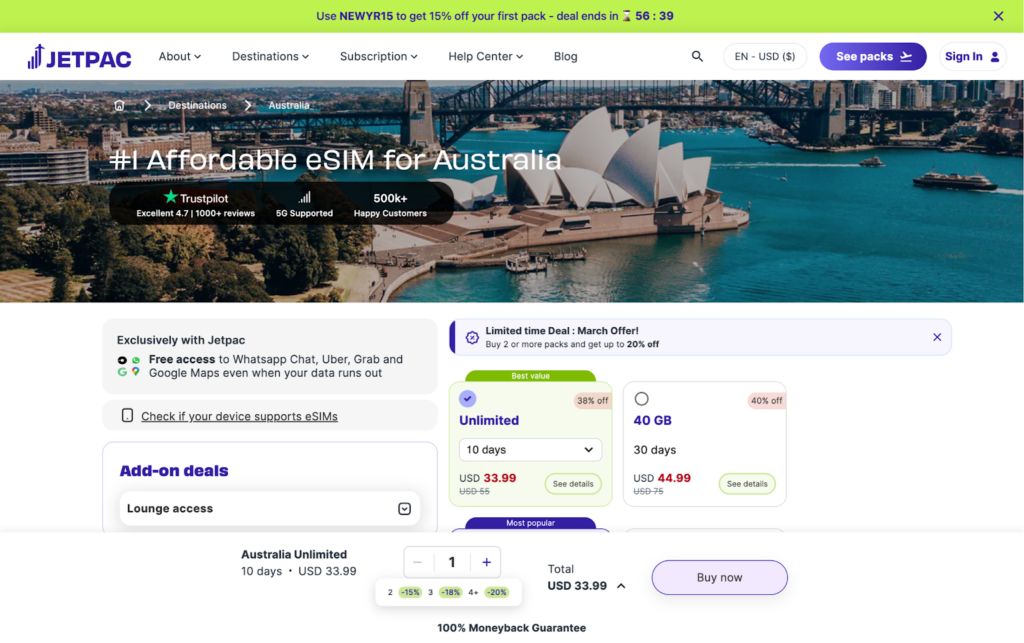
Jetpac provides affordable United States eSIM plans with fixed data allowances. These plans are suited for lighter to moderate data users.
Plan options:
*Prices reflect current promotional rates and may change at checkout.
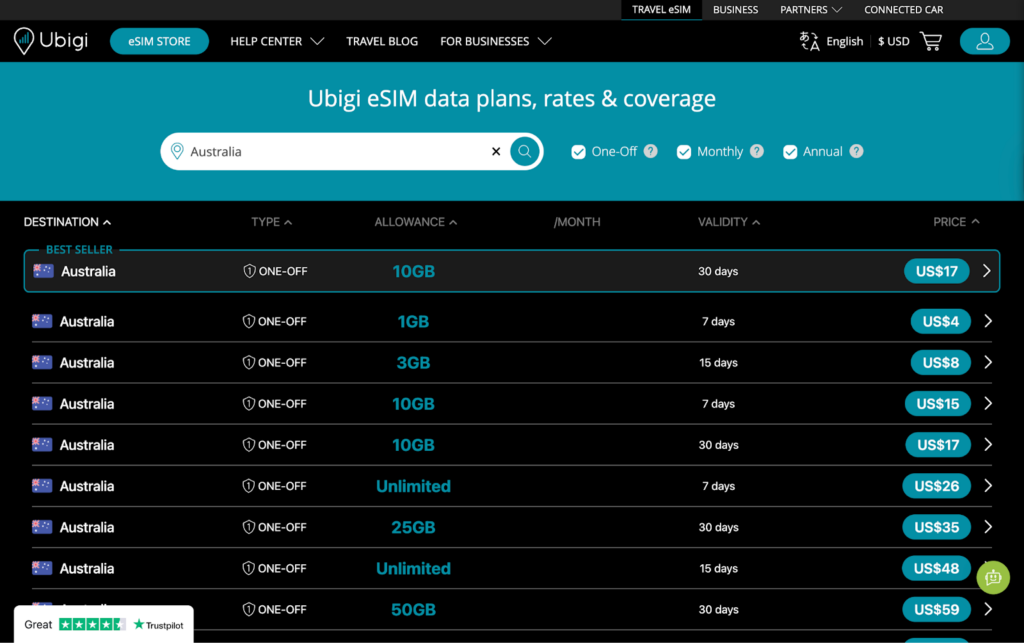
Ubigi offers prepaid eSIM data plans for the United States with multiple data tiers and validity options. Plans are flexible and suitable for short or extended stays.
Plan options:
I’m not especially technical, but activating an eSIM turned out to be easier than I expected. I’ve personally set it up on an iPhone, and the process only takes a few minutes once you have internet access.
In most cases, your eSIM will connect automatically once your phone detects a supported network in Honolulu.
Menu names may vary depending on your phone model or Android version. Once you arrive in Honolulu, your device should connect to a supported local network.
Pocket WiFi remains a practical option for staying connected in Hawaii, particularly for groups who want to share one device and split the cost of mobile data. Providers like Travelwifi, Rent ’n Connect, and Wifio offer reliable coverage across Honolulu and the rest of the islands.
I prefer using an eSIM since my phone supports it. It removes the need to carry an extra device or remember to keep it charged. Whatever option you choose, having internet access while traveling makes it easier to navigate new places, find good food nearby, and quickly look up things like interesting facts about Australia or other destinations you may want to visit next.
If you’ve used both pocket WiFi and eSIM while traveling through Honolulu Airport, we’d love to hear what worked best for you. Feel free to drop us an email and share your experience.
Yes. Honolulu Airport offers complimentary public WiFi throughout the terminals, so you can get online immediately after arrival.
Pocket WiFi in Honolulu typically ranges from about $7.95 to $15 per day, depending on the provider and data plan selected. Delivery or shipping fees may apply, and some providers offer unlimited data options.
There are no direct rental counters inside Honolulu Airport, so the best option depends on your needs. Providers such as Travelwifi, Rent ’n Connect and Wifio offer advance booking with hotel delivery, and the right choice depends on your budget, number of devices and data usage.
Pocket WiFi is useful if you need to connect multiple devices at once or share data with a group. However, using an eSIM and activating your phone’s personal hotspot can be more convenient in Honolulu since it does not require device pickup or return.
Most providers allow between five and ten devices to connect simultaneously, depending on the model of hotspot device.

Our mission is simple: to make sure you never have to ask, “What’s the WiFi password?” again. All our tips come straight from personal experience — because we’d never recommend something we haven’t put to the test ourselves.
Reviews