


Roaming
Before traveling to the Philippines, I tested how roaming would work once I arrived. Most international carriers offered coverage, but costs depended on my plan. It came down to inclusive roaming, a roaming pass, or pay-as-you-go rates. This guide breaks down roaming costs and better ways to stay connected.

In practice, roaming was easy to activate. However, it was much less predictable when it came to billing. Data, calls, and messages were charged differently depending on the plan. This made it easy to lose track of what I was actually spending.
From my experience, roaming is one of the most expensive ways to stay connected in the Philippines. That is why I also tried using alternatives like eSIMs and local SIM cards. They usually ended up being cheaper and made it a lot easier to keep track of what I was spending.
Roaming lets me use my regular number and mobile plan while I’m abroad. I can still call, text, and use data without swapping my SIM card. My home carrier simply connects me to a local network, so I’m usually online as soon as I land.
In the Philippines, roaming works through local partner networks like Globe or Smart. Once you arrive, your phone usually connects automatically if data roaming is enabled. No manual setup is needed in most cases, but speed and coverage depend on your home carrier’s agreements.
Roaming is not free. The Philippines is outside EU roaming agreements, so you are charged international rates, either pay-as-you-go or through a roaming package.
This makes roaming more expensive than local options, since both your home carrier and the local network add charges. It is mainly paid for convenience, which is why eSIMs or local SIM cards are often cheaper.
Roaming costs in the Philippines can vary a lot depending on where you’re coming from. Different regions and mobile providers use different pricing models, from daily passes to pay-as-you-go rates. In most cases, the differences between plans are big enough, so I always check my options before I travel.
AT&T
AT&T’s International Day Pass costs $12/day in the Philippines and lets users use their regular plan for data, calls, and texts while abroad. Charges apply only on the days the phone is used, which makes it easier to control costs.
Without the pass, AT&T uses pay-as-you-go rates. Calls cost $4/minute, texts are $1 each, and picture or video messages are $2 each. Data is $2.05/MB on land and cruise ships, and $10.24/MB on airlines. Even light usage can get very expensive, so the pass should be activated before traveling.
Verizon
Verizon’s TravelPass also costs $12/day in the Philippines and lets users use their domestic plan abroad. It includes calls, texts, and data, and charges apply only on the days the phone is used.
Without TravelPass, pay-as-you-go pricing applies. Data costs $2.05/MB, which adds up very fast even with small usage. Texts cost $0.50 sent and $0.05 received, multimedia messages are $0.25 each, and calls cost $1.79/minute. Verizon also offers monthly international plans, but they are better for longer trips than short stays.
Rogers
Rogers uses Roam Like Home, which costs $16/day in the Philippines and lets you use your regular plan’s data, calls, and texts while abroad. It activates automatically when you use your phone, so there’s no setup needed in most cases.
Without it, Rogers switches to pay-as-you-go rates. In the Philippines, that’s $3.00 per minute for calls, $0.75 per text, and $15 per 10MB of data. That means even light usage can get expensive quickly, especially if data is used without realizing it.
Bell
Bell’s Roam Better costs $16/day in the Philippines. It lets users use their regular plan while traveling, with unlimited calls and texts included. Data includes up to 5GB at high speed per day, then slows to 512 Kbps for the rest of the day. It only charges on days the service is used and resets daily at midnight (ET).
Without it, Bell switches to pay-as-you-go pricing. In the Philippines, calls cost $3.50 per minute and outgoing texts are $0.99 each. Pay-per-use data is not available, so you’ll need a roaming add-on to use mobile data.
Telus
Telus Easy Roam costs $18/day in the Philippines. It allows users to use their regular plan with unlimited talk and texts while traveling. Calls to Canada and the destination country are included. It can be checked or added by texting ROAM to 7626 or through My TELUS.
Without Easy Roam, pay-per-use rates apply under International Zone 1. Calls cost $2.00 per minute, texts are $0.75 each, and data costs $5.00 per MB. Even light usage can become expensive very quickly.

EE
EE does not include free roaming in the Philippines, so a roaming pass is required. A 24-hour Zone 2 Pass costs £8 ($10.90) and a 7-day pass costs £40 ($54.48), both using the UK allowance for data, calls, and texts to the UK and local numbers.
Without a pass, standard roaming applies. Calls cost £1.80 ($2.45) per minute and texts 60p ($0.82) each. Data is not available without a pass, so charges can build up quickly, especially for calls and messages.
O2
The Philippines is not covered by any O2 Travel plan. Without O2 Travel, standard roaming rates apply. Calls cost £2 ($2.72)/min, receiving calls £2 ($2.72)/min, texts cost 50p ($0.68), each, and data costs £7.20($9.81),/MB, which makes it extremely expensive even with light use.
Three
Go Roam does not include the Philippines, so roaming is not covered under Three’s Go Roam allowance.
Without a roaming pass, standard pay-as-you-go rates apply. Data costs £3 ($4.09) per MB, calls £2 ($2.72)/min, receiving calls £1.25 ($1.70)/min, voicemail £2 ($2.72)/min, and texts 35p ($0.48), while receiving texts is free.
Vodafone
Vodafone uses a daily roaming charge in the Philippines. For plans bought on or after 11 August 2021, it costs £8 ($10.90)/day, while older plans cost £6 ($8.17)/day. This covers calls, texts, and up to 25GB of data for 24 hours from activation. Incoming calls and texts are free, and 4G is available.
Without the daily charge, pay-as-you-go rates apply. Calls cost 60p ($0.82)/min, receiving calls 36p ($0.49)/min, texts 8p ($0.11), picture messages 66p ($0.90), and data 12p ($0.16)/MB, which can add up quickly.
Lebara
Lebara offers roaming in the Philippines through add-ons rather than standard roaming plans. An 8-day add-on costs £5 ($6.81) and includes 1GB of data, while a 15-day add-on costs £15 ($20.43) and includes 3GB of data plus 50 minutes and 50 texts.
Without an add-on, pay-as-you-go rates apply. Data costs £93 ($126.68) per GB, calls cost £1.99 ($2.71) per minute, receiving calls cost 49p ($0.67) per minute, and texts cost 49p ($0.67) each, while incoming texts are free. Even light usage can become expensive very quickly.
Outside the EU, roaming is not covered by the Roam Like at Home rule. The Philippines is treated as a standard international destination. That means normal roaming charges apply from the moment you land.
Most EU carriers offer roaming passes for travel, usually around €3–€15 per day, often including data, calls, and texts. Exact pricing depends on the provider and plan.
Without a pass, pay-as-you-go rates apply and can be expensive, especially for data. It is always best to check your carrier before traveling.
After spending a lot on roaming, I decided to see if an eSIM was a cheaper option. When I came back from my trip to the Philippines, eSIMs became my go-to. In most cases, they were cheaper than roaming, especially for longer stays or heavier data use.
Here are some providers I recommend:
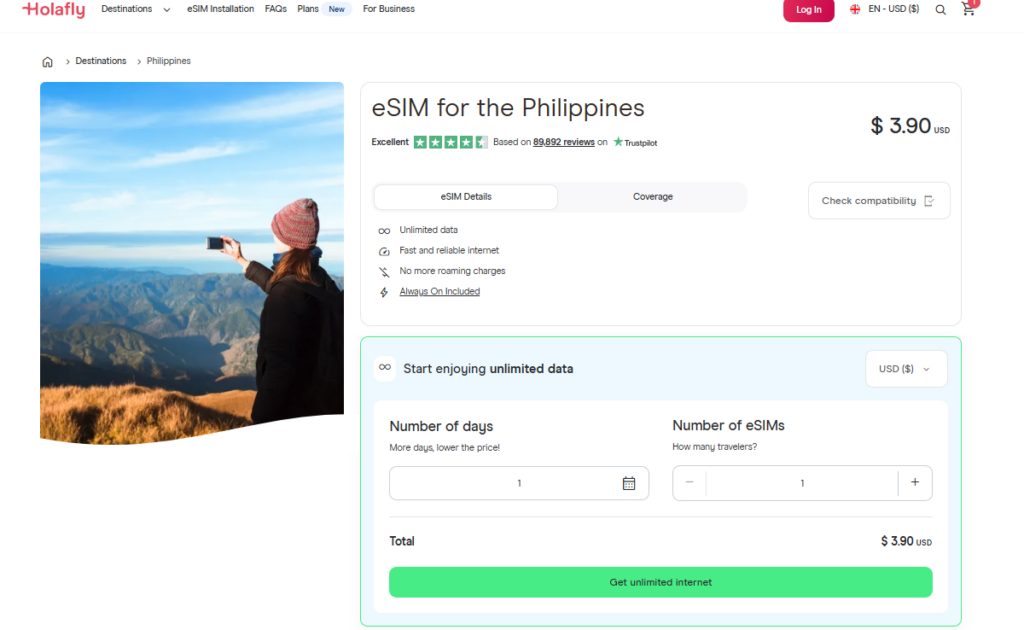
Holafly is an eSIM provider that offers data plans for the Philippines. You buy and install it before your trip, and it activates automatically when you arrive. It is known for simple setup and unlimited data, making it useful for staying connected without a physical SIM card.
Plans are based on duration. Prices start at around $19.50 for 5 days, $27.30 for 7 days, $50.90 for 15 days, and $74.90 for 30 days, all with unlimited data. Hotspot use is limited to 500MB per day, which is not ideal for sharing internet with other devices.
It works on most eSIM-compatible devices, including iPhone XS+ and many Android phones like Samsung and Google Pixel, if the device is unlocked.
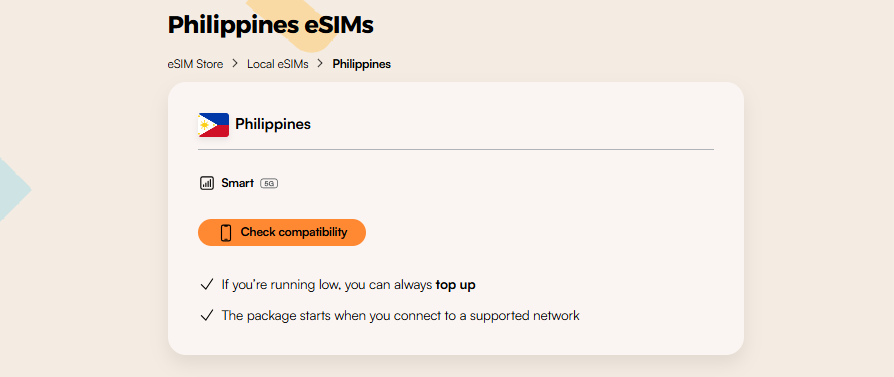
Airalo is one of the most popular eSIM providers for the Philippines. Setup is quick, and the app makes it easy to install and manage plans before traveling. It is a good option for shorter trips or lighter data use, since the plans are cheaper than most unlimited eSIM options.
Plans start at around $7.50 for 3GB/3 days, $11 for 5GB/ 7 days, and $18.50 for 10GB/ 15 days. Larger plans are also available, including 20GB for $30/ 30 days and 50GB for $48/ 30 days. Performance is generally stable in cities and tourist areas.
It is compatible with most eSIM-enabled devices, such as iPhone XS and later models and many Android phones like Samsung and Google Pixel, as long as the device is unlocked.
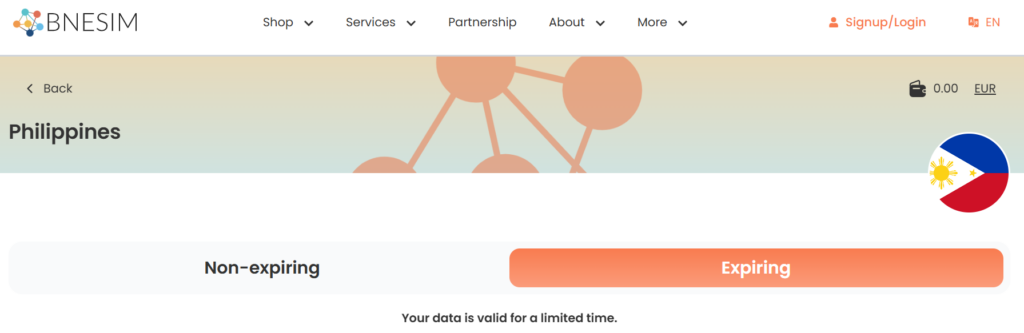
BNESIM is an eSIM provider focused on flexible and low-cost data plans. It is known for offering both regular 30-day plans and non-expiring data packages, which can be useful if you travel often or do not want unused data to expire quickly. Setup is simple, and the eSIM activates through the BNESIM app.
Plans start at around $5.87 for 5GB, $8.22 for 10GB, and $14.11 for 20GB with 30-day validity. Non-expiring plans are also available at slightly higher prices. Hotspot is not included with the unlimited plan, so tethering and data sharing are not supported.
It works on most eSIM-compatible devices, including iPhone XS and newer and many Android phones like Samsung and Google Pixel, as long as the device is unlocked.
Roaming charges in the Philippines can get expensive very quickly, especially if you use mobile data regularly. Luckily, there are a few easier and cheaper alternatives that work much better for most travelers.
An eSIM is a digital SIM card built into your phone. Instead of inserting a physical SIM card, you buy a mobile plan online and install it by scanning a QR code. Most eSIMs activate automatically once connected to a supported network. That’s why many travelers use them because they are easy to set up and usually cheaper than roaming.
After testing multiple providers in real conditions, here is the best eSIM for Philippines based on performance and value.
Local SIM cards in the Philippines are sold at airports, mobile shops, and convenience stores. You need a passport to register, and the SIM is activated shortly after purchase. It gives you a local number for data, calls, and texts.
Main providers are Globe, Smart, and DITO. Tourist SIMs usually cost around ₱99–₱999 ($1.50–$17), depending on data and validity. They often include several GB of data plus call and text credits, making them a cheap option for longer stays.
Pocket WiFi devices can be rented at airports, hotels, or local rental services in the Philippines. They act as portable routers that create a private WiFi hotspot using local mobile networks.
Rental prices are typically around ₱100–₱500 per day ($2–$9) depending on the provider, data allowance, and device type, with some options offering unlimited data under fair usage policies. It works well for groups or multiple devices, but you have to carry an extra device with you.
If you are thinking about renting a device, here is everything you need to know about Pocket WiFi in the Philippines.
Free WiFi is widely available in the Philippines, especially in malls, cafes, hotels, and some public areas. Connection is usually simple, but may require accepting terms or entering an email. Speeds vary depending on location and usage.
It works for basic tasks like messaging or maps, but it is not reliable for heavy or consistent use. It is best used as a backup option rather than your main internet connection.
| Option | Typical price | Convenience | Best for |
| eSIM | From $5.87 for 5GB / $50.90 for unlimited 15 days | Very high (instant setup, no physical SIM) | Short trips, solo travelers, easy setup |
| Local SIM | ₱99–₱999 ($1.50–$17) | Medium (requires passport registration + physical SIM swap) | Longer stays, budget travelers |
| Pocket WiFi | ₱100–₱500($2–$9)/day rental | Medium-low (extra device needed, rental/return process) | Groups or multiple-device use |
| Free WiFi | Free | Low (unreliable, location-dependent) | Light use, backup option only |

The best global eSIM provider
From $2.3/week
A reliable eSIM provider for budget travelers
From $2.4/week
The best global eSIM provider
From $2.3/week
A reliable eSIM provider for budget travelers
From $2.4/week
Our mission is simple: to make sure you never have to ask, “What’s the WiFi password?” again. All our tips come straight from personal experience — because we’d never recommend something we haven’t put to the test ourselves.
Reviews